Admin panel · Kiosk Mode
Admin panel
Kiosk Mode
Choose between PIN mode and Reservation Mode, and pick the simulator program that brings up the lock screen in PIN mode.
"How this kiosk decides when to lock. The other pages show the settings for the mode you pick here."
This page is in the Simulator group and is always shown.
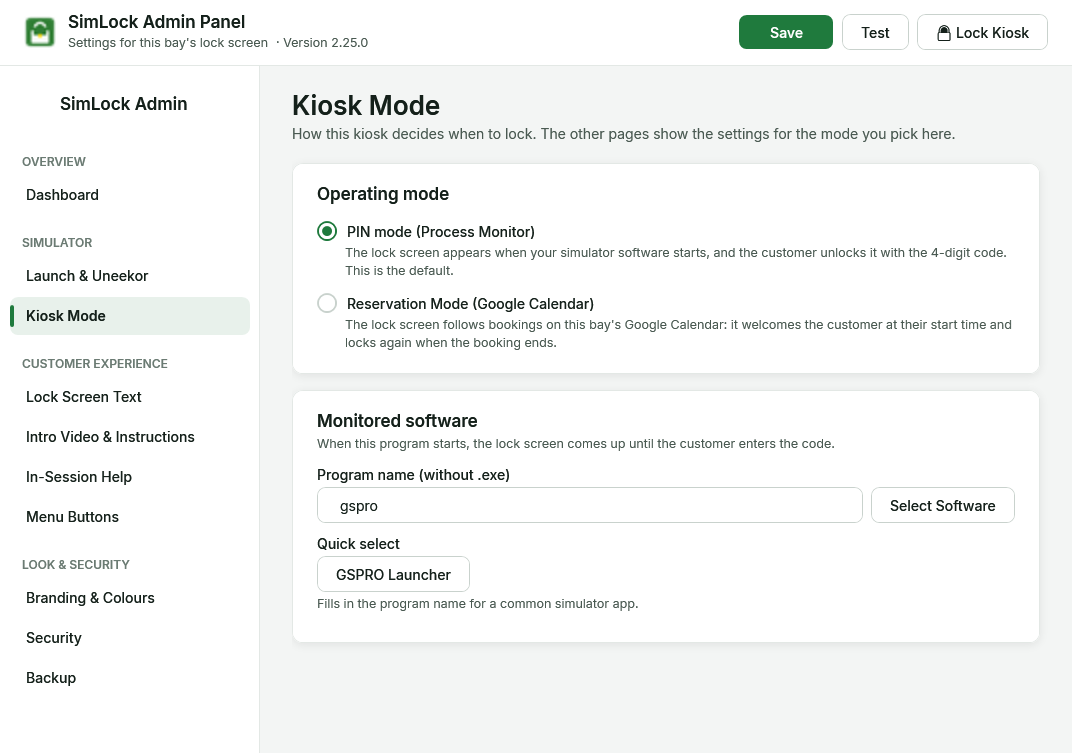 Kiosk Mode in PIN mode, with the monitored software section.
Pick the operating mode
| Option | What it does |
|---|---|
| PIN mode (Process Monitor) | "The lock screen appears when your simulator software starts, and the customer unlocks it with the 4-digit code. This is the default." |
| Reservation Mode (Google Calendar) | "The lock screen follows bookings on this bay's Google Calendar: it welcomes the customer at their start time and locks again when the booking ends." Needs Google Calendar set up. |
Switching changes the Admin panel straight away, before you save:
- Reservation Mode shows Google Calendar and Customers in the sidebar and hides Menu Buttons. The reservation screens (idle, welcome, session ended) appear on Lock Screen Text.
- PIN mode does the reverse, and shows the splash, menu and PIN screen settings on Lock Screen Text and Branding & Colours.
If the page you were on disappears, the panel goes back to the Dashboard. Click Save; the Monitor reloads the settings and shows a tray notification with the new mode.
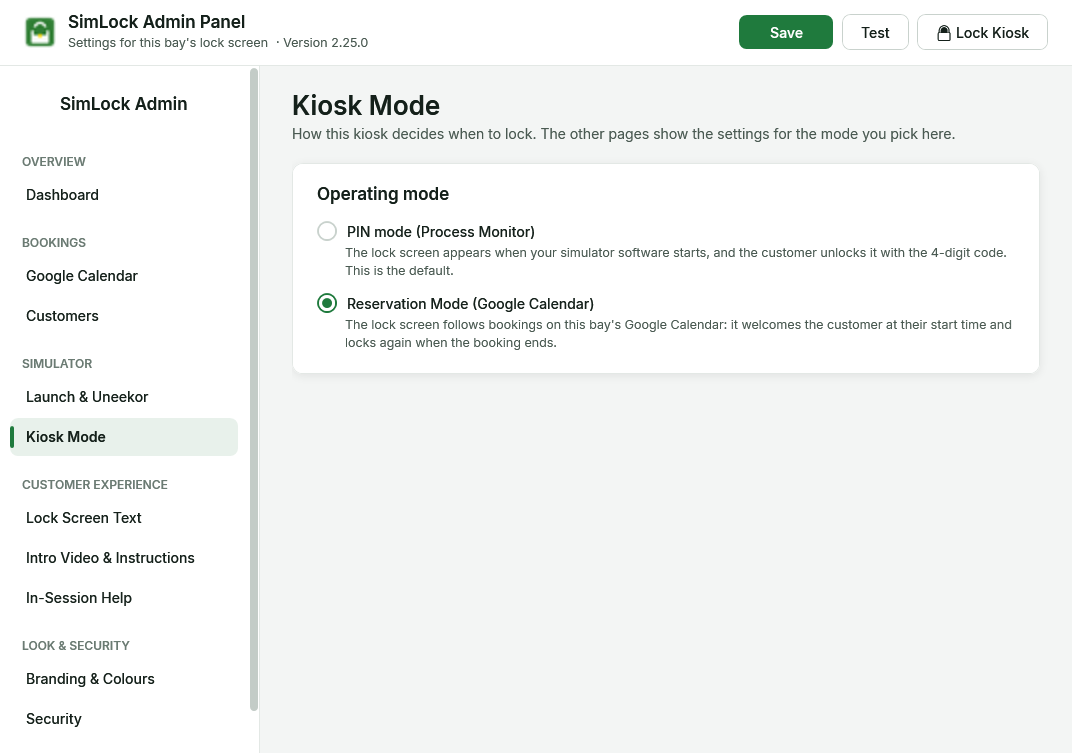 In Reservation Mode the monitored software section is hidden.
Pick the monitored software (PIN mode)
"When this program starts, the lock screen comes up until the customer enters the code."
| Setting | Default | What it does |
|---|---|---|
| Program name (without .exe) | gspro |
The program the Monitor waits for. Type it without .exe. |
| Select Software | Opens a list of every program running right now, with its window title. Type to filter, Refresh to rescan, then double-click a row or click Select. Start your simulator software first so it is in the list. | |
| Quick select → GSPRO Launcher | "Fills in the program name for a common simulator app." |
The same program name is used in Reservation Mode too: when a booking ends, SimLock closes that program (and anything it started) so the next golfer starts fresh.
Where the other settings went
Earlier versions had one General page. Since 2.25 its settings live here:
| Setting | Now on |
|---|---|
| Operating mode, monitored program | Kiosk Mode (this page) |
| Session launch, Uneekor debug port, GSPro path | Launch & Uneekor |
| Unlock code, admin password, Manager Override button | Security |